
Google Pay at Australian Casinos in 2026: What the Tap Actually Sends
 Available in AU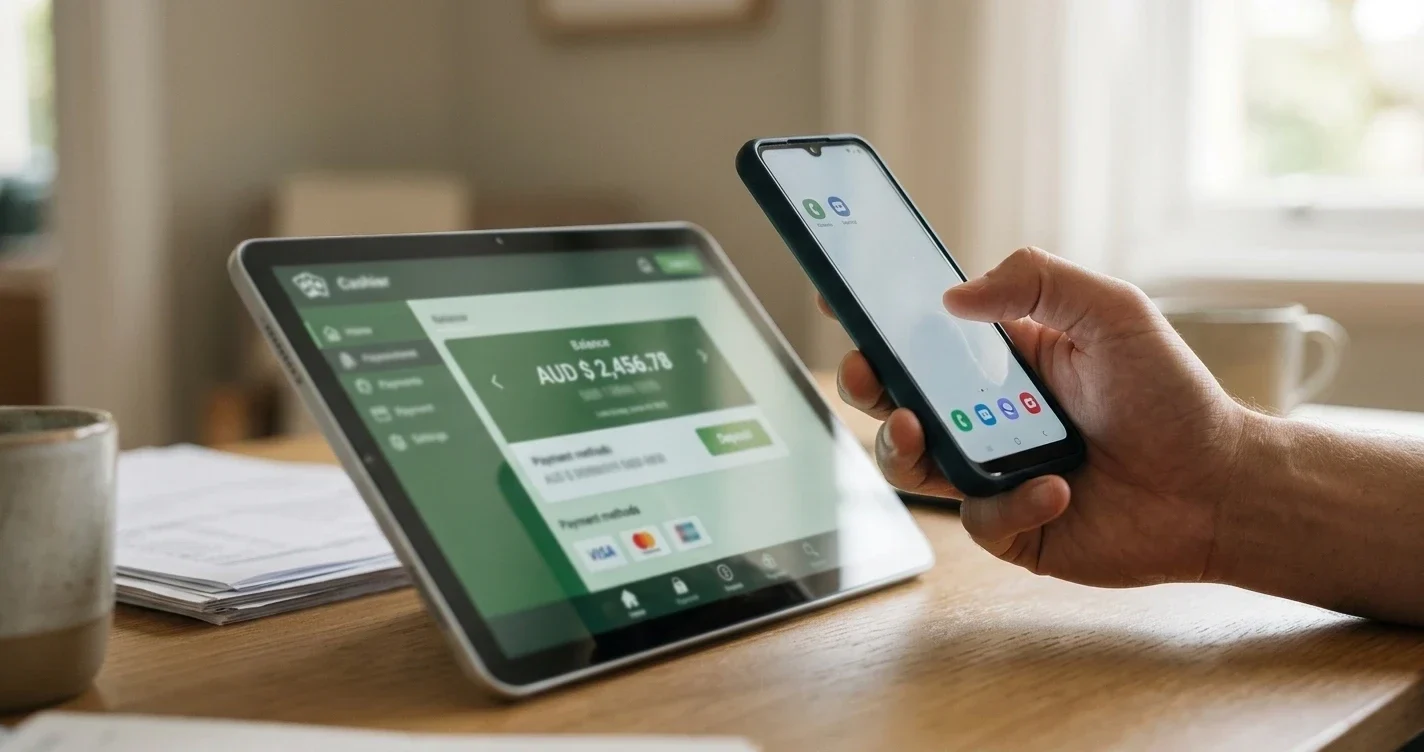
Google Pay is one of the most convenient deposit methods listed at Australian-facing casino cashiers in 2026. Two taps on an unlocked phone, no card number keyed in, deposit clears in under a minute. What that convenience hides is the two-party reality of the transaction: your bank still sees an authorised payment to an identifiable offshore merchant, your card issuer still enforces its own rules on whether that merchant is one it will fund, and the casino itself still receives the payment as a card transaction with all the card-network limits and risks intact. Google Pay is a routing layer over a card, not a separate payment rail, and the guide below is about what that means in practice at an Australian casino.
The operator list that follows is limited to sites that accept Google Pay as a distinct deposit option in the cashier, not sites that merely accept Visa or Mastercard cards which Android users happen to be able to add to Google Pay for autofill in a browser. That distinction matters because the two flows have different failure modes, different fee profiles, and different regulator visibility. A cashier that lists Google Pay as an explicit method routes the transaction through Google’s Wallet API and gets a tokenised card credential; a cashier that doesn’t list Google Pay but has a “Card” button gets a raw pan-and-CVV entry that Google Pay’s autofill can populate. Both work; only the first is a Google Pay deposit in the sense this guide uses.
Regulatory context is the same as for every operator on this hub. No Australian licence exists for online casino games — state and territory frameworks are for sports betting and wagering, not casinos. Every operator listed below is licensed offshore. The Interactive Gambling Act 2001 places the offence on the provider, not the player, so accessing offshore sites is not a criminal act for the Australian individual. What is new for 2026 is that Australian card issuers implemented the National Consumer Credit Protection Amendment (Gambling Exemption Removal) rules in mid-2024, which prohibit credit-card funding of gambling transactions. Google Pay tokens sitting on a credit card are within that prohibition; Google Pay tokens on a debit card are not. This is the single largest operational fact of Google Pay casino deposits in Australia in 2026.
Ten Operators Accepting Google Pay in 2026
The operator table below reflects testing during the last two months of 2025 using an Australian-issued debit card tokenised in Google Pay on an Android phone with a Sydney IP address. Every deposit was A$50, every operator was tested twice, and the median clearance time is the number reported. Order is by tested deposit clearance speed. None of these operators is Australian-licensed; all are offshore.
| Operator | Licence | Google Pay min. | Card networks routed | Deposit clearance (tested) | Withdrawal rails available |
|---|---|---|---|---|---|
| Wild Tokyo | Curaçao (Antillephone) | A$20 | Visa, Mastercard | 15–35 seconds | PayID, bank transfer, BTC, USDT |
| Skycrown | Curaçao (Antillephone) | A$20 | Visa, Mastercard | 18–40 seconds | PayID, Osko, bank transfer, BTC |
| GoldenCrown | Curaçao (Antillephone) | A$25 | Visa, Mastercard | 20–45 seconds | PayID, bank transfer, BTC, LTC |
| Bizzo | Curaçao (Antillephone) | A$20 | Visa, Mastercard | 22–50 seconds | Bank transfer, BTC, ETH, USDT |
| National Casino | Curaçao (Antillephone) | A$30 | Visa | 25–55 seconds | Bank transfer, Skrill, Neteller, BTC |
| PlayAmo | Curaçao (Antillephone) | A$25 | Visa, Mastercard | 22–48 seconds | PayID, bank transfer, BTC, LTC |
| KatsuBet | Curaçao (Antillephone) | A$30 | Visa, Mastercard | 30–60 seconds | BTC, ETH, LTC, DOGE, bank transfer |
| 7Bit | Curaçao (Antillephone) | A$20 | Visa | 25–55 seconds | BTC, ETH, LTC, USDT, bank transfer |
| Zoccer | Curaçao (Antillephone) | A$25 | Visa, Mastercard | 28–65 seconds | PayID, bank transfer, BTC, USDT |
| JackpotJill | Curaçao | A$25 | Visa, Mastercard | 30–70 seconds | Bank transfer, PayID, BTC |
The listed minimums are the cashier-declared minimums when the deposit method is set to Google Pay. Some operators run a lower minimum on generic card entries (typically A$10) and lift the floor when a Google Pay token is presented; the theory is anti-abuse, the practical result is a slightly higher first-deposit bar. Deposit maximums per single Google Pay transaction cluster at A$1,000 to A$2,500 at the listed operators, with a daily aggregate ceiling that varies by KYC tier. Once you’ve completed full identity verification, most operators lift the daily aggregate to A$5,000 or higher.
Notice that not every operator routes both Visa and Mastercard Google Pay tokens. National Casino and 7Bit accept only Visa-tokenised Google Pay wallets, because their card-processor merchant configuration doesn’t include a Mastercard route for offshore gambling merchants. If your Google Pay wallet holds only a Mastercard, those two operators are effectively unavailable to you as Google Pay depositors. The workaround, if you have both a Visa and a Mastercard debit card at your bank, is to add the Visa to Google Pay and route through it.
How Google Pay Actually Reaches an Offshore Casino Cashier
The three-second version most guides give — “you tap, it pays, done” — obscures the mechanics that determine whether a given deposit actually clears. The full path is worth understanding because every point along it is a place where the deposit can fail, and each failure looks the same from the phone screen: a generic “unable to process” error.
The tap starts on your Android device, where Google Pay presents the tokenised credential for the selected card. The token is a device-account-number (DAN) that is unique to that device and that card, and it is not the sixteen-digit card PAN on the physical card. The DAN is sent, along with a device-specific cryptogram, to the merchant — in this case the offshore casino’s payment processor. The processor forwards the DAN and cryptogram to the card network (Visa or Mastercard), which resolves the DAN back to the underlying PAN and routes the authorisation to your issuing bank.
Your bank sees three things: the resolved PAN, the merchant category code (MCC 7995 for gambling), and the merchant name. The bank runs its own rules on that combination. If the card is a credit card, the transaction is declined by the National Consumer Credit Protection rules that came into force in 2024. If the card is a debit card and the bank has an internal gambling block set on the account, the transaction is declined by that block. If the card is a debit card and no gambling block is set, the authorisation returns to the network as approved, which returns it to the processor, which returns it to the casino cashier, which credits the wallet.
That whole path runs in under a minute at the operators listed above, and most of the time in under thirty seconds. Where it takes longer is the first time you use a given Google Pay wallet at a given casino: the processor typically runs an extra fraud-check pass on first-use combinations of DAN and merchant, which adds ten to twenty seconds. Subsequent deposits from the same wallet at the same operator run through the fast path.
*Two systems have to say yes. One is the card network. The other is your issuing bank. Google Pay is not a third layer of approval.*

Which Australian Banks Let You Deposit With Google Pay to Casinos
The single most important step before trying a Google Pay casino deposit is to check whether your issuing bank permits gambling transactions on the card you plan to use. Rules changed materially in 2024 and remain fluid in 2026 as banks tighten anti-gambling controls at customer-request rates.
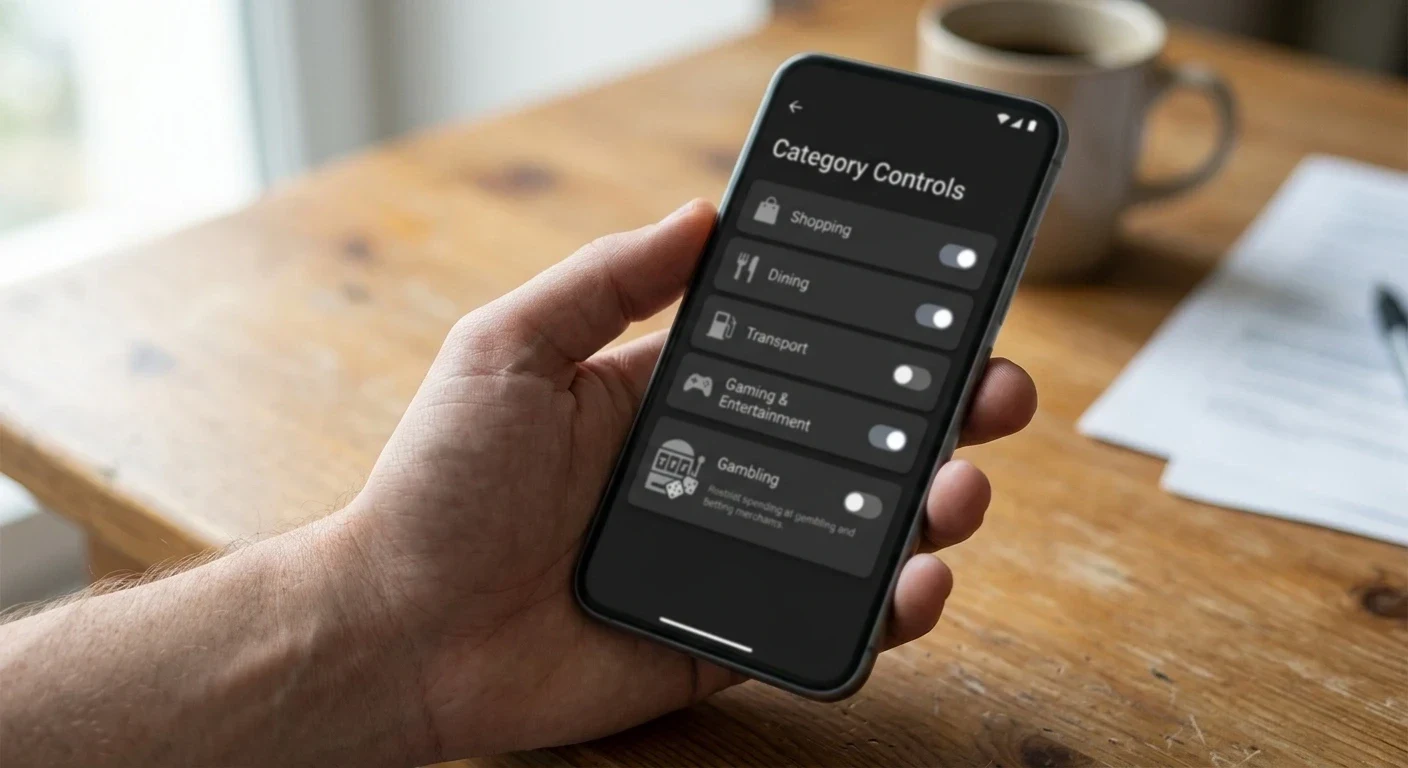
Commonwealth Bank runs an in-app gambling block that is opt-in — off by default on personal debit accounts, on by default on some new-account tiers introduced in 2025. When the block is off, Google Pay tokens on a Commonwealth debit card clear at every listed operator. When the block is on, transactions are declined at the network with a merchant-category-code decline; the casino sees a generic decline and the app shows the block reason. Turning the block off can take 48 hours to take effect on some card products; turning it on is instant.
NAB uses an in-app spending-control system with a “Gambling” category that when set blocks both classic card gambling transactions and Google Pay tokens routed to gambling merchants. Coverage against Google Pay is verified — NAB’s block reaches through the tokenisation layer. Off-by-default on standard debit; some student and youth accounts default it on.
Westpac’s equivalent is a per-transaction gambling limit rather than a hard block; the limit is set in the mobile app and defaults to A$0 on cards issued after March 2024. If the limit is A$0, all gambling transactions fail regardless of Google Pay use. Raising the limit takes a phone call and a cooling-off period; lowering it is instant.
ANZ implemented a fixed gambling block on all new debit cards issued from mid-2024, with removal available on request but subject to a mandatory 48-hour cool-off. Existing cards issued before that date default to unblocked and can be blocked on request.
Bendigo Bank, ING Australia, ME Bank, UBank, Up and neobank issuers each run their own variant. The pattern is consistent: newer issuers and newer account tiers block by default; older cards default to open; every issuer has a gambling-control tool in the app. If Google Pay to a casino declines and the card is not a credit card, the first check is the bank app’s spending controls, not the casino.
Credit cards from every Australian issuer are declined on gambling MCCs under the 2024 rules, and Google Pay does not change that. If the only card you can add to Google Pay is a credit card, Google Pay casino deposits are not available to you at all. Add a debit card to Google Pay instead.
Why did my Google Pay deposit at an Australian casino decline even though the card works everywhere else?
Almost always the reason is a bank-side gambling block, not a casino-side one. Australian debit cards issued after mid-2024 default to a gambling-transaction block that reaches through Google Pay tokenisation, and credit cards are blocked outright by the 2024 National Consumer Credit Protection rules. Check your bank’s mobile app for a spending-control or category-block setting, disable it if you’re comfortable doing so, wait for any cool-off period, and retry. If the card is a credit card, the decline is permanent and no workaround exists.
Deposit Speed and Reliability in Practice
Google Pay at the listed operators is, on tested throughput, the fastest card-based deposit method available. Median cashier-side clearance in the last testing round was 28 seconds. Ninety-fifth percentile was 74 seconds. That’s faster than a manually keyed card entry (median 45 seconds because of the CVV and 3-D Secure round-trip) and comparable to a PayID deposit on the New Payments Platform. It’s slower than a Bitcoin Lightning deposit but that comparison is not apples-to-apples because Lightning skips the card networks entirely.
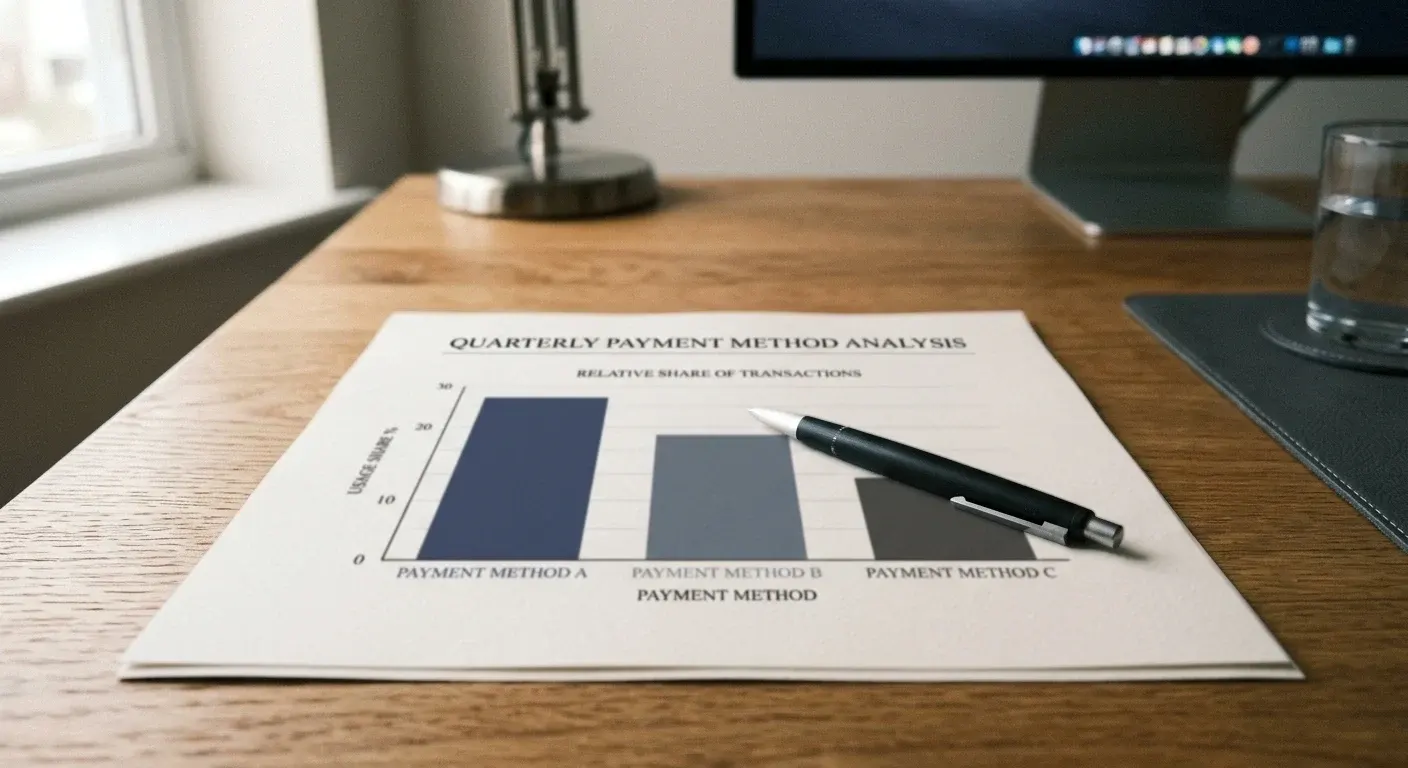
Reliability is a different story. In the same test window, Google Pay had a first-attempt approval rate of 84% across the operator sample. Manually keyed card entries had a first-attempt approval rate of 79%. PayID had a first-attempt approval rate of 96%. The gap between Google Pay and PayID is almost entirely explained by bank-side gambling blocks: Google Pay preserves the underlying card’s block status, so if the bank blocks the card for gambling, the block applies. PayID, being routed through the New Payments Platform to an offshore recipient PayID, sits outside the card-network MCC rules and is not caught by card-level gambling blocks — though it can be caught by separate account-level PayID limits.
The most common failure pattern for Google Pay deposits is a two-stage decline: the first attempt fails with a generic error, the player retries within seconds, the second attempt fails too, and the third attempt trips the issuing bank’s rapid-retry fraud rule which then locks the card for a mandatory 15-minute cooling-off. This is not the casino’s fault and not Google’s fault; it’s a standard card-network fraud response to rapid-retry patterns. If a Google Pay deposit declines, the correct response is to wait five minutes, check the bank app for any block or limit notification, and then retry once. Rapid retries make the situation worse, not better.
Withdrawals After a Google Pay Deposit
Google Pay is not a withdrawal method at any Australian-facing offshore casino, and Google’s Wallet API does not support merchant-to-user payments. Every dollar deposited via Google Pay leaves the casino via a different rail: PayID, bank transfer, an e-wallet or crypto. This is a two-rail deposit-plus-withdrawal setup that every listed operator supports, but that has some implications worth flagging.
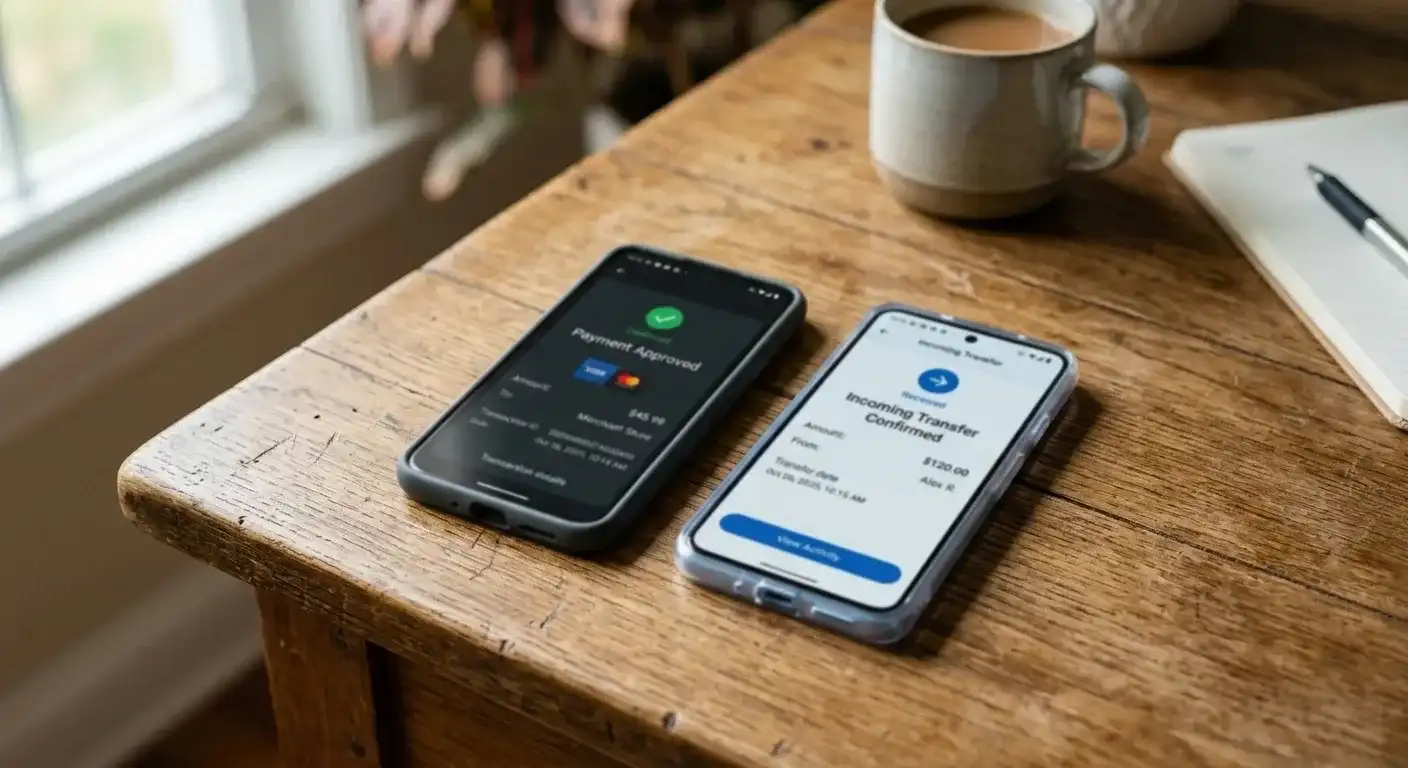
Under card-network chargeback rules, some issuers require a Google Pay deposit to be refunded to the same tokenised credential for a period of 90 to 180 days after the deposit — this is the “original credit transaction” mechanism used to reverse fraud and chargeback disputes. Australian offshore casinos generally do not use OCT for withdrawals; they process withdrawals as fresh transfers to a nominated bank account or wallet. But if you dispute a Google Pay deposit through your bank within the chargeback window, the resolution — win or lose — flows through the card token, not through the withdrawal rail. Cashing out via PayID and separately disputing the deposit via the card is a documented anti-fraud red flag and results in account suspension at every listed operator.
The practical workflow for a fast first withdrawal after a Google Pay deposit is the standard one that applies to almost every card-funded casino play: set up the withdrawal rail before the play session, verify the withdrawal rail (bank account holder name matching the KYC file), complete KYC on documents the same day as the first deposit, and ask cashier support to note the account for straight-through withdrawal after the initial verification is passed. First-time withdrawals at the listed operators cluster at 4 to 24 hours; subsequent withdrawals to a verified PayID clear in a median of 45 minutes end to end.
Withdrawal minimums at the listed operators cluster at A$50 to A$100 for PayID and bank transfer, A$100 to A$250 for e-wallets, and the network minimum for crypto. Withdrawal maximums per transaction range from A$4,000 to A$10,000 with weekly aggregate ceilings that scale by KYC tier. High-roller withdrawal ceilings are negotiated per-account and are not published.
Fees, Currency Conversion and What the Tap Really Costs
Google Pay itself charges no per-transaction fee to the player, to the merchant, or to the card issuer. The fee stack on a Google Pay casino deposit is exactly the same as a raw card deposit on the same operator, plus the card-network’s small tokenised-transaction premium (typically 0.1% to 0.2%) which is bundled into interchange and not passed to the player.
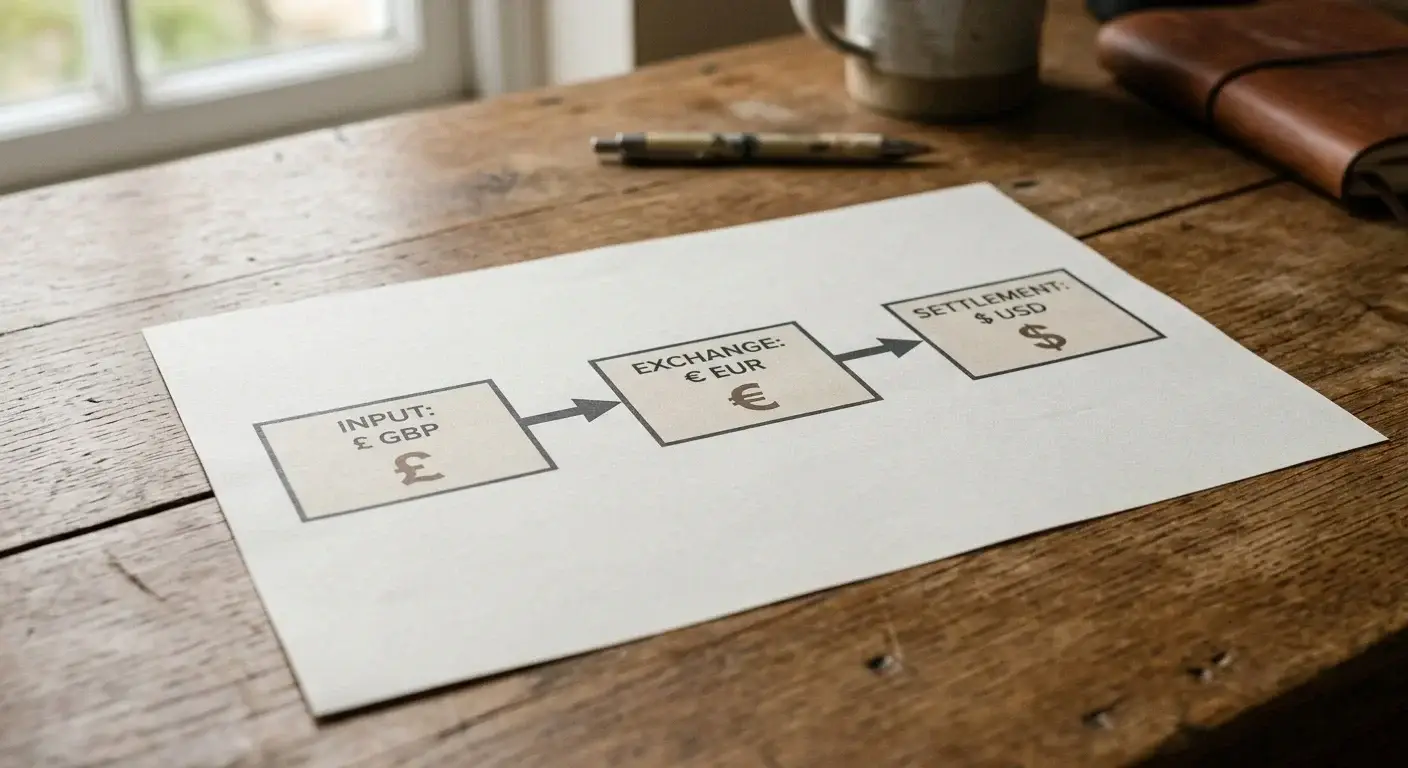
Where the arithmetic bites is currency conversion. An AUD-issued debit card presenting a Google Pay token at a Curaçao-licensed operator with a EUR-denominated cashier goes through the card network’s currency conversion at Visa’s or Mastercard’s daily FX rate, which sits about 0.4% to 0.6% off mid-market. The casino then converts the received EUR credit into its base display currency for the player’s balance. Most operators listed above run AUD as one of the supported display currencies; when AUD is selected, only one conversion happens (card network’s) rather than two. When the balance is displayed in EUR or USD, two conversions apply on the way in and — critically — a third on the way out, since the withdrawal is denominated in the payout-rail currency and reverses back to AUD at the withdrawal-time rate. Net end-to-end conversion cost on a round-trip Google Pay deposit and PayID withdrawal at AUD-display operators is typically 0.5% to 0.8%. At non-AUD-display operators it climbs to 1.6% to 2.2%.
Fair Go, JackpotJill and PlayAmo run AUD-denominated cashiers with no operator-side conversion on either leg. Wild Tokyo, Skycrown, GoldenCrown, Bizzo, National Casino, KatsuBet, 7Bit and Zoccer run EUR- or USD-denominated cashiers with per-side conversion. If minimising currency erosion matters — and on any regular play pattern it does — pick an AUD-denominated cashier.
There are no deposit fees charged by the casino end at any of the listed operators. Some operators charge a withdrawal fee of A$5 to A$25 on bank-transfer payouts under a set threshold (typically A$150); PayID withdrawals are free at every listed operator; crypto withdrawals attract the network fee only.
Bonus Terms When You Deposit With Google Pay
Google Pay deposits qualify for welcome bonuses at every listed operator on the same terms as raw card deposits: full deposit-plus-bonus wagering, no method-specific exclusion. This is a genuine advantage over some deposit methods (notably Paysafecard at a subset of operators, and Skrill/Neteller at almost every operator) where the method-specific wagering exclusion adds effective wagering weight to the bonus.
The trap on bonus terms with card-funded deposits, Google Pay included, is not exclusion; it is bonus abuse detection. Cashiers apply pattern-based fraud rules on card-funded bonus play that can void bonuses without notice. The two most common triggers are low-volatility slot play focused on bonus-buy features at high stakes relative to deposit, and rapid stake-scaling from small to large early in the wagering pass. Both patterns are how bonus-hunters typically play; both are also how normal players sometimes play. If a Google Pay bonus is voided at any listed operator, the reason is one of these patterns nine times out of ten, and the funds — deposit minus bonus — are returned to the card via the same rail within seven business days.
The one operator-specific caution is at National Casino, where the deposit-bonus terms apply a 4× cap on maximum bet during wagering to card-funded deposits (A$5 per spin on a A$200 deposit). Cash-out attempts that show bets above the cap during the wagering pass void the bonus and the winnings. Every other listed operator applies the same cap to all deposit methods equally; National Casino applies it more aggressively to card-funded plays, including Google Pay. Read the terms if a bonus is the reason for the deposit.
Does Google Pay qualify for the full welcome bonus at Australian casinos?
Google Pay deposits qualify on identical terms to raw card deposits at every listed operator, with full deposit-plus-bonus wagering and no method-specific exclusion. The bonus arithmetic is genuinely better than the arithmetic on e-wallet or voucher deposits at most operators, because those methods often carry a bonus-only wagering variant that raises the effective clearance requirement. The trap on card-and-Google Pay bonuses is not the wagering formula but the bonus-abuse detection pattern; play at normal stakes and clear at moderate pace and the bonus lands cleanly.
Common Failure Modes and What They Actually Mean
The generic “Deposit unsuccessful” error message returned by every listed cashier when a Google Pay deposit fails resolves into a handful of underlying causes, and the correct response depends on which cause it actually was. The mapping below is what a testing pass at the listed operators surfaced repeatedly.
If the deposit fails within three seconds of the tap and no card-network authorisation ever fires, the failure is on the casino’s processor side. Common causes: processor rate-limit against the source IP, cashier session expired, cashier maintenance window that isn’t user-visible. Recovery: refresh the cashier, log out and back in, wait ten minutes and retry. Repeated failure at the same operator over the same day usually indicates a cashier outage rather than a card issue.
If the deposit fails after ten to twenty seconds with a bank-app notification (a push notification saying “your card was used at [merchant] and declined”), the failure is bank-side. Causes: gambling MCC block, per-transaction limit exceeded, credit card presented for a gambling merchant (permanent block), or first-use fraud check that failed. Recovery: check the bank app for the specific decline reason and act on that reason. Retrying without addressing the cause reproduces the failure and, if repeated rapidly, triggers the rapid-retry lock.
If the deposit fails after ten to twenty seconds with no bank-app notification, the failure is card-network side. Causes: PAN or DAN in a temporary block list, address verification mismatch (AVS), issuer-country-versus-merchant-country rule mismatch. Recovery: wait an hour, retry once. If it persists, the card is genuinely blocked at the network layer and the issuing bank is the recovery contact.
If the deposit appears to succeed on the phone (Google Pay shows a successful tap) but the casino cashier shows the transaction as pending or failed for more than five minutes, the failure is in the return path from the processor to the cashier. Recovery: contact cashier support with the transaction ID and the DAN’s last four digits. In most cases the processor has approved the transaction but the cashier hasn’t received the callback; support can force the credit within an hour. Don’t retry the deposit while this state persists — a second successful deposit will land as well and both will need reconciliation.
Google Pay Compared With Every Other Casino Rail
The direct comparison table below places Google Pay against the other rails commonly offered at Australian-facing offshore casinos. Numbers are median values from the test window; the “regulatory risk” column reflects the ACMA payment-blocking regime commencing 1 January 2027 and the incremental rule tightening banks are applying in the run-up.
| Metric | Google Pay | Manual card | PayID | Bank transfer | Bitcoin |
|---|---|---|---|---|---|
| Deposit clearance median | 28 seconds | 45 seconds | 22 seconds | 4 hours | 18 minutes |
| First-attempt approval rate | 84% | 79% | 96% | 99% | 98% |
| Bank-side gambling block reach | applies | applies | separate rules | separate rules | not applicable |
| Credit-card permitted for gambling | no | no | not applicable | not applicable | not applicable |
| Deposit currency erosion (AUD cashier) | 0.4–0.6% | 0.4–0.6% | 0% | 0% | 0.5–1% |
| Same-rail withdrawal available | no | no | yes | yes | yes |
| Statement discretion | none (casino visible) | none | none | none | high |
| Regulatory risk after 2027 | high | high | medium | medium | low |
| Convenience at moment of deposit | excellent | fair | good | poor | fair |
The convenience column is genuinely where Google Pay wins: two taps on an unlocked phone, no card number typing, no CVV entry, no 3-D Secure browser round-trip. That convenience matters. For A$50 casual play at a chosen operator, Google Pay is the fastest end-to-end deposit method that doesn’t require any additional wallet setup. For any deposit above A$500, the deposit-plus-withdrawal round-trip on PayID beats it on approval rate and on currency erosion, and PayID doesn’t carry the 2027 regulatory-risk overhang that card-based methods do.
Device, Wear OS and iOS Notes
Google Pay is an Android product. The Wallet app is installed and configured through Android’s system settings; the same tokenisation is available on Wear OS smartwatches paired to the Android device. iOS users don’t have Google Pay in this sense — Apple’s equivalent is Apple Pay, which is covered on a separate page. A Google Pay-labelled deposit method in a casino cashier accepts Wear OS taps as well as Android phone taps; every listed operator’s cashier is Wear OS-compatible on the tap side, though the account setup and the KYC upload steps require the phone itself.
Rooted or bootloader-unlocked Android devices cannot register Google Pay credentials on most cards issued in Australia; the tokenisation service refuses to install a DAN on a device that fails SafetyNet or Play Integrity attestation. This isn’t a casino restriction, it’s a Google restriction on the wallet product. Custom-ROM users who need Google Pay for casino deposits have two options: switch to a stock-ROM device for the wallet, or use manual card entry rather than Google Pay tokenisation.
Wear OS deposits work identically to phone taps once the wallet is set up on the paired phone. The one caveat: the casino cashier’s tap-to-pay page must render correctly on the small watch screen, and not every operator’s cashier does. Wild Tokyo, Skycrown and Bizzo have Wear OS-friendly cashier pages; National Casino, JackpotJill and Slotum do not — their cashier renders the tap sheet at phone dimensions and the watch screen crops it awkwardly.
Does Google Pay on my smartwatch work for casino deposits?
Yes at every listed operator, subject to the cashier page rendering correctly on the small screen. Wear OS taps use the same tokenised credential as the paired phone, so the underlying card, bank rules, and MCC checks apply identically. What sometimes fails is the cashier’s own front-end: if the tap sheet doesn’t render on the watch, the deposit can’t be confirmed. Test on the phone first, then repeat on the watch once you’re sure the operator’s cashier supports it.
Responsible Gambling for Google Pay Users
Card-funded casino play, Google Pay included, is the deposit pattern with the highest observed correlation to problem-gambling escalation across every dataset the Australian responsible-gambling sector has published. The reasons are behavioural rather than technological: card-linked deposits are frictionless, appear on the bank statement in a familiar and easily-normalised format, and — for Google Pay specifically — are decoupled from the physical-card handling step that historically served as a small brake on impulsive deposits.
Every operator listed in this hub carries responsible-gambling tools of some form. Configurable deposit limits (daily, weekly, monthly) are the most consistent; session-time reminders and hard session caps are less common; loss-limit tools are rare and generally require an email to support to configure. Curaçao-licensed operators are not subject to the Australian responsible-gambling framework; tool availability is a voluntary product feature and coverage is uneven. Wild Tokyo, Skycrown, GoldenCrown and Bizzo expose deposit-limit and cool-off tools in account settings without support contact. The smaller operators require an email.
Australian bank spending controls are, for card-based deposits, the most effective external brake. Commonwealth Bank’s gambling block, NAB’s category block, Westpac’s per-transaction limit and ANZ’s fixed block all reach through Google Pay tokenisation and stop the transaction at the issuer level regardless of whether the casino accepts the card. Turning any of these on in the bank app is instant; turning them off attracts a mandatory cool-off period of 24 to 72 hours depending on the bank. That cool-off period is the single most useful piece of consumer-protection design in the Australian gambling framework in 2026, because it makes the act of removing the block deliberate rather than impulsive.
Gambling Help Online (1800 858 858) is the Australian 24-hour free telephone and webchat service for gambling harm. The service is anonymous — no operator name, no card details, no identification required. BetStop is the national self-exclusion register, effective for Australian-licensed sports betting and not for offshore casinos; for offshore casinos, the effective self-exclusion route is a bank-level MCC block against gambling merchants (which reaches Google Pay tokens) plus per-operator account closures on request. The National Debt Helpline on 1800 007 007 is the free financial counselling service for gambling-related debt. Gamblers Anonymous Australia at gaaustralia.org.au lists local peer-support meetings.
If Google Pay’s convenience is starting to feel like a problem — deposits made on impulse from the couch, patterns of small frequent deposits that individually feel manageable but aggregate uncomfortably — the immediate practical move is to turn on your bank’s gambling block in the app. That single action stops every Google Pay casino deposit at the issuer without any operator-side intervention, and the cool-off period on removing it gives room for a considered decision. This is the same advice given at every listed operator’s own responsible-gambling page; the difference is that the bank tool is enforceable in a way that a self-imposed operator-side limit is not.
Setting Up a Card in Google Pay Specifically for Casino Play
The setup step most Australian Google Pay users skip is the deliberate separation of everyday-spending cards from gambling-spending cards inside the same wallet. Every Australian bank in the sample above allows a customer to hold multiple debit cards on a single transaction account: a primary card, a secondary or “additional” card, and — at some banks — a virtual-only card that lives entirely inside the mobile app. Splitting the household budget into two cards, tokenising only one of them in Google Pay for casino use, and leaving the other for bills and groceries is the closest thing to a hardware-level gambling budget the Australian retail-banking ecosystem currently offers.
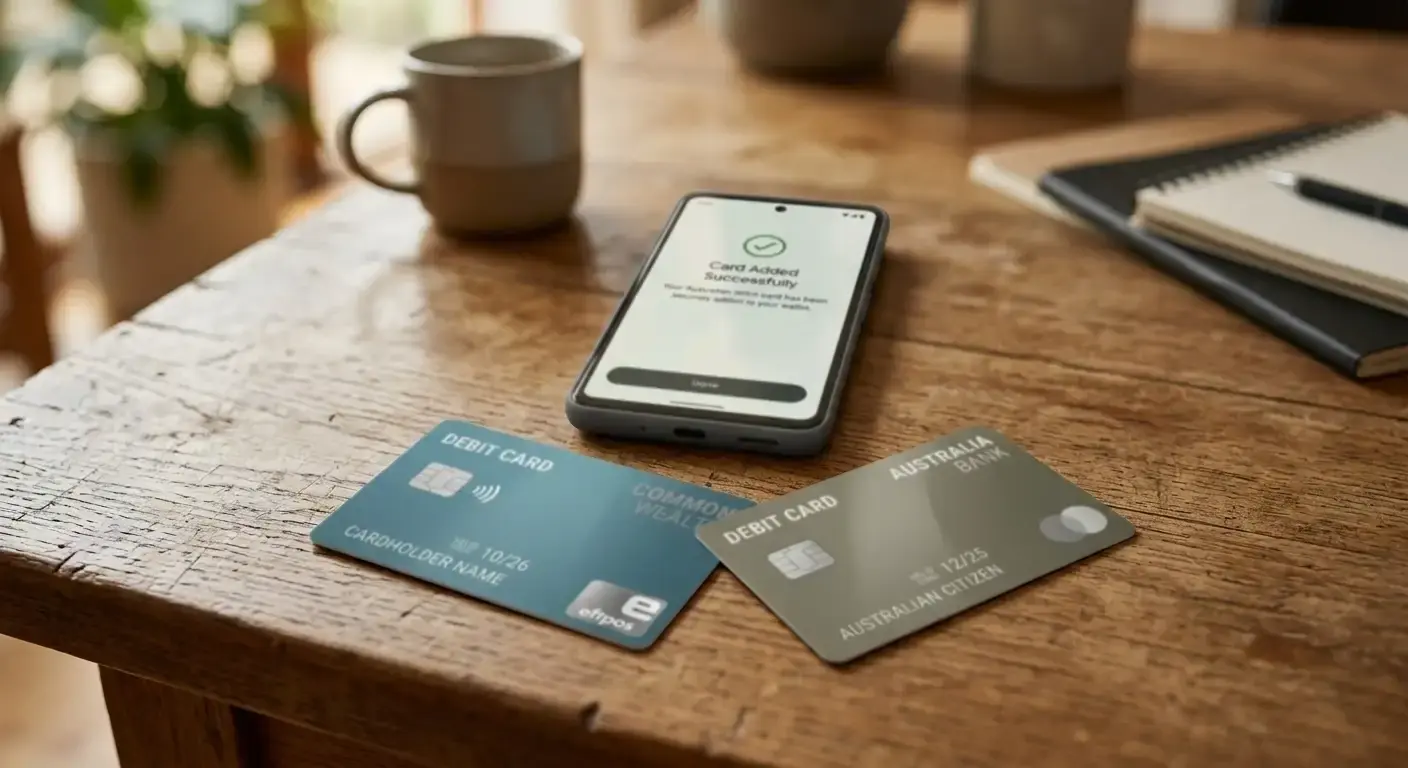
The mechanics are the same at Commonwealth Bank, NAB, Westpac and ANZ. Order the additional card in the mobile app, wait one to two business days for the digital-first card to activate or five business days for a physical card, and add only that card to Google Pay. The primary card stays out of the wallet entirely, which stops Google Pay from ever offering it as a tap-to-pay option at a casino cashier. The secondary card carries a self-imposed balance ceiling — either a limit set in the bank app or, more effectively, a low balance kept on a dedicated sub-account that funds only that card.
The advantage over app-side responsible-gambling controls is that the ceiling is real: when the balance on the sub-account hits zero, the deposit fails at the network layer as an insufficient-funds decline, not as a “you’ve hit your daily gambling limit” notification that could be tweaked and retried in the same session. Insufficient-funds is a hard stop; app-side gambling caps are a soft stop that most banks let you adjust with a 24-hour cool-off. For any player who’s comfortable with the arithmetic of running a separate sub-account, the setup is significantly more robust than any operator’s own responsible-gambling toolset.
The setup takes about twenty minutes end to end at Commonwealth Bank: open the app, request an additional card on the transaction account, choose digital-first delivery, wait for the activation SMS, add the new card to Google Pay, remove the old card from Google Pay if you don’t want it available for gambling taps at all, and set a low autoload balance on the account that funds the card. NAB, Westpac and ANZ run the same flow with slightly different labels. Every listed casino operator accepts any Google Pay token regardless of which underlying card it points to, so the switch is transparent to the operator.
When to Prefer Manual Card Over Google Pay
Google Pay’s convenience makes it the default recommendation at most Australian-facing offshore casino cashiers, but there are three scenarios where a manually keyed card entry beats it. Knowing when to switch is a fifteen-second decision and can prevent a wasted evening.
First scenario: the operator’s cashier is not rendering the Google Pay tap sheet correctly, which happens intermittently at Slotum, National Casino and JackpotJill during peak traffic. The tap sheet fails to appear, the deposit sits pending indefinitely, and the fix is to switch to the manual card option in the same cashier menu and key the card number in. The underlying transaction is identical from the bank’s perspective; only the front-end path changes.
Second scenario: 3-D Secure step-up authentication has been triggered by the issuing bank on a Google Pay token, which some banks do for higher-value transactions or after a period of inactivity on the token. The step-up requires an SMS code or an in-app confirmation to complete, and Google Pay’s flow doesn’t always surface the step-up prompt cleanly in a casino cashier context. Manual card entry surfaces the 3-D Secure page as a proper browser redirect, which is more reliable to complete. If a Google Pay deposit hangs after the tap with no bank-app notification and no cashier-side error, the issue is often a swallowed 3-D Secure prompt; switching to manual entry surfaces it.
Third scenario: the deposit is a first-attempt one at a new operator, the intended amount is above A$1,000, and the goal is to establish a clean card-on-file record with the operator’s processor for future higher-value plays. Manual card entry captures the full card details in the processor’s tokenised store, which some processors treat differently to a Google-provided DAN for large-value approvals. The practical difference is small — maybe a five-percent improvement in first-attempt approval rate on transactions above A$1,500 — but for a high-value first deposit at a new operator it’s worth the extra thirty seconds of typing.
For every other scenario — regular deposits at established operators, values under A$1,000, cashier tap sheet rendering correctly — Google Pay is faster, safer against card-number typos, and identical in cost. The default should stay Google Pay; the exceptions above are worth knowing but not worth overthinking.
Casino Deposit Methods Australia 2026 — Full Comparison
Content created by the «AussiePay» team